

Finding a call tracking platform with automation and industry-specific controls is difficult for home service marketing agencies. Most software forces rigid features, complex setup, or unclear pricing that blocks high-volume lead operations. This comparison weighs automation, attribution, integration, and pricing so agencies can match a solution to their workflow.
Table of Contents
- Leapify Media
- CallSource
- WhatConverts
- CallTrackingMetrics
- TrackDrive
- Phonexa
- Comparison of alternatives
Leapify Media
At a Glance
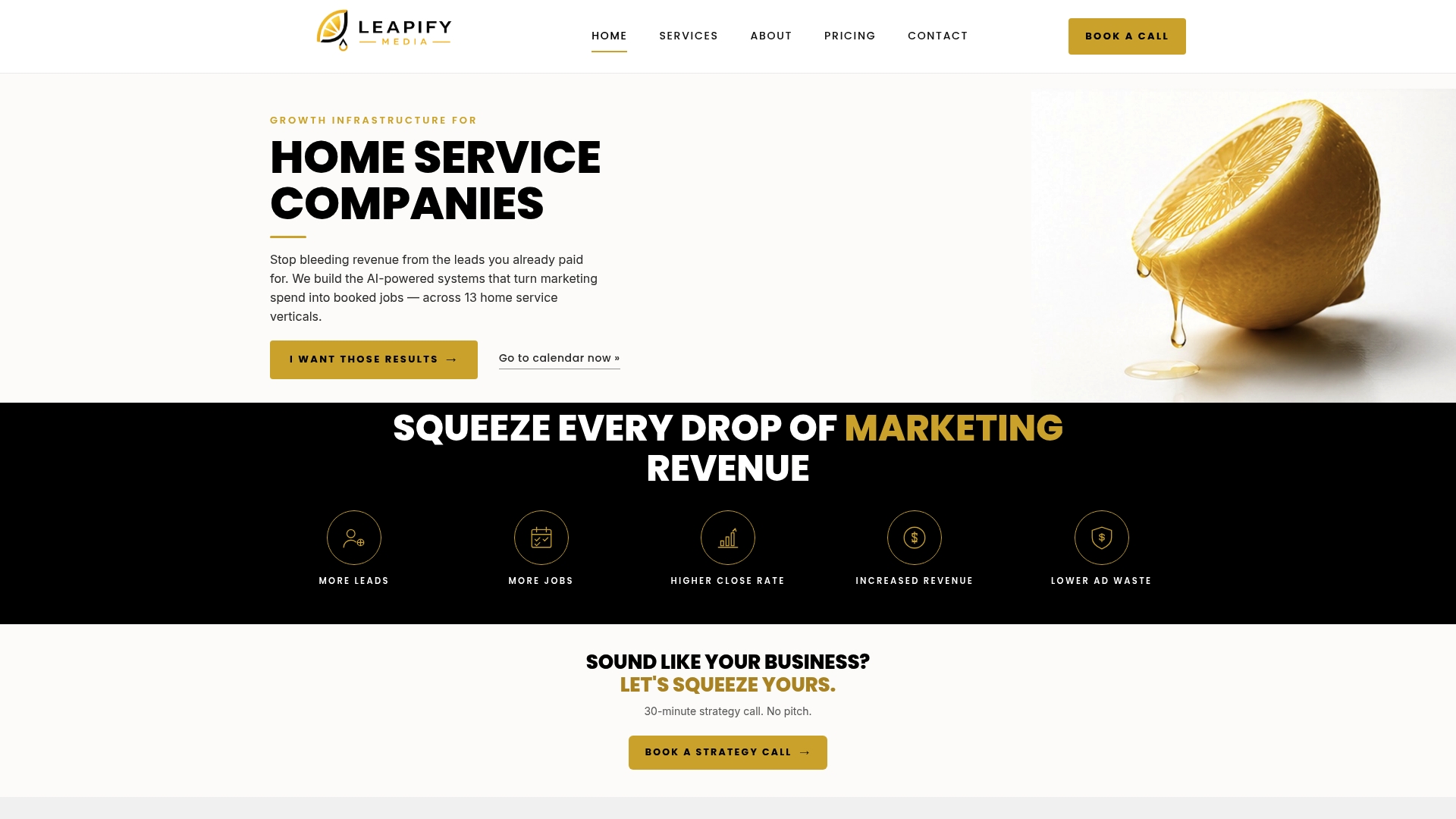
According to the company, Leapify Media reports a 20x return on ad spend. The firm focuses exclusively on home service verticals such as HVAC, roofing, plumbing, landscaping, turf, and restoration. Leapify runs AI infrastructure on client premises with dedicated engineers to keep data private and operations under direct control.
Core Features
Leapify combines AI powered lead routing and intent scoring on dedicated hardware with full integration into existing call and job management systems. The team also produces professional video content and builds brand and web design aimed at premium positioning for home service companies. Service tiers scale from foundational setups to enterprise solutions that include on premise servers and bespoke automation.
Key Differentiator
Leapify installs on premise hardware and operates custom built AI agents tuned for home service workflows. That approach reduces reliance on third party cloud AI and keeps proprietary data within client control. The setup targets faster lead routing and more accurate intent scoring in field service contexts.
Pros
Having in house engineers and physical hardware means Leapify controls deployment and maintenance rather than relying on external vendors. Custom AI agents focus on home service tasks like job qualification, dispatch prioritization, and follow up, which shortens response time and improves lead quality. Senior team members actively manage accounts, and tiered packages let operators pick a level that matches their growth stage; that figure in their marketing supports the focus on return on ad spend.
Cons
- Limited to home service industries, so companies outside those sectors will not find the offering suitable.
Who It's For
Mid to large sized home service operators that want a secure, customizable marketing and operations stack. Teams that spend aggressively on paid channels and want tighter control over lead routing and data should consider Leapify. Small operators with tight budgets may find the price and setup requirements too heavy.
Unique Value Proposition
Leapify places real servers and engineers at client sites and pairs them with AI agents built for service calls, dispatch, and qualification. That model reduces third party data exposure and lets the team tune models to the actual signals that matter for trades work. The result is a workflow where marketing spend links more directly to booked jobs rather than just to raw lead counts.
Real World Use Case
A roofing company installed Leapify's AI dispatch system and fed its call stream into the on premise agents. The system scored incoming leads and routed high intent calls to senior closers in real time. That change increased close rates and cut wasted ad spend by prioritizing the best opportunities.
Pricing
Plans start at $2,500/month for the Foundation tier and scale up to $15,000/month for the Scale tier. Leapify also offers custom enterprise solutions for larger operators that need tailored hardware or additional engineering support. Pricing reflects the hands on setup and on premise infrastructure costs.
Website: https://leapifymedia.com
CallSource
At a Glance
CallSource reports over a billion calls analyzed. The company traces back to 1991 and focuses on call-level measurement for service industries like automotive, dental, and home services. That depth of call history supports both marketing attribution and agent-level coaching.
Core Features
CallSource combines call tracking and call recording with real-time online reporting and marketing attribution so you can link calls to campaigns. The platform includes call performance coaching and monitoring alongside reputation management and vanity number provisioning. Reporting targets both campaign ROI and frontline employee improvement.
Key Differentiator
CallSource pioneered call tracking in 1991 and pairs analytics with human coaching rather than analytics alone. The vendor emphasizes guided coaching and score-based monitoring to convert insights into better phone performance. That blend suits teams that want both measurement and hands-on training.
Pros
The vendor advertises 99.999% uptime, which supports continuous call processing for businesses that cannot tolerate downtime. CallSource's marketing materials state thousands of business clients and over three decades of experience, signaling long-term market presence. Its strongest asset is combining analytics with personalized coaching so managers get both metrics and actionable feedback for agents. The suite also covers reputation monitoring, which keeps review signals tied to call outcomes.
Cons
-
Public third-party reviews report excellent customer service; few significant drawbacks noted.
-
The platform's feature set is complex and may require formal training to get full value.
-
Pricing is not publicly listed and is typically tailored, which can be a barrier for very small businesses.
When It May Not Fit
If you need transparent, fixed pricing to budget without sales calls, CallSource may not fit. Smaller shops with limited training bandwidth may struggle to use advanced coaching and attribution features. Teams that require out-of-the-box simplicity rather than a guided onboarding process should consider lighter alternatives.
Who It's For
CallSource targets small to medium-sized business owners and marketing teams in service sectors that rely on phone leads. Ideal users include home services, automotive shops, dental practices, and hearing clinics that want call-level attribution plus agent coaching. Organizations that value ongoing support and guided performance improvement will get the most from this approach.
Real World Use Case
A home services company routes all inbound leads through CallSource to tie each call to a paid campaign. Managers review recordings and coaching notes to fix common closing mistakes on calls. Over time, the team reduces wasted ad spend and improves close rates by changing scripts and agent behaviors.
Pricing
Pricing is not publicly listed. CallSource offers tailored pricing per client and typically scopes packages by industry needs and call volume. Ask for a proposal and training outline during the sales conversation to compare total cost and onboarding requirements.
Website: https://callsource.com
WhatConverts
At a Glance
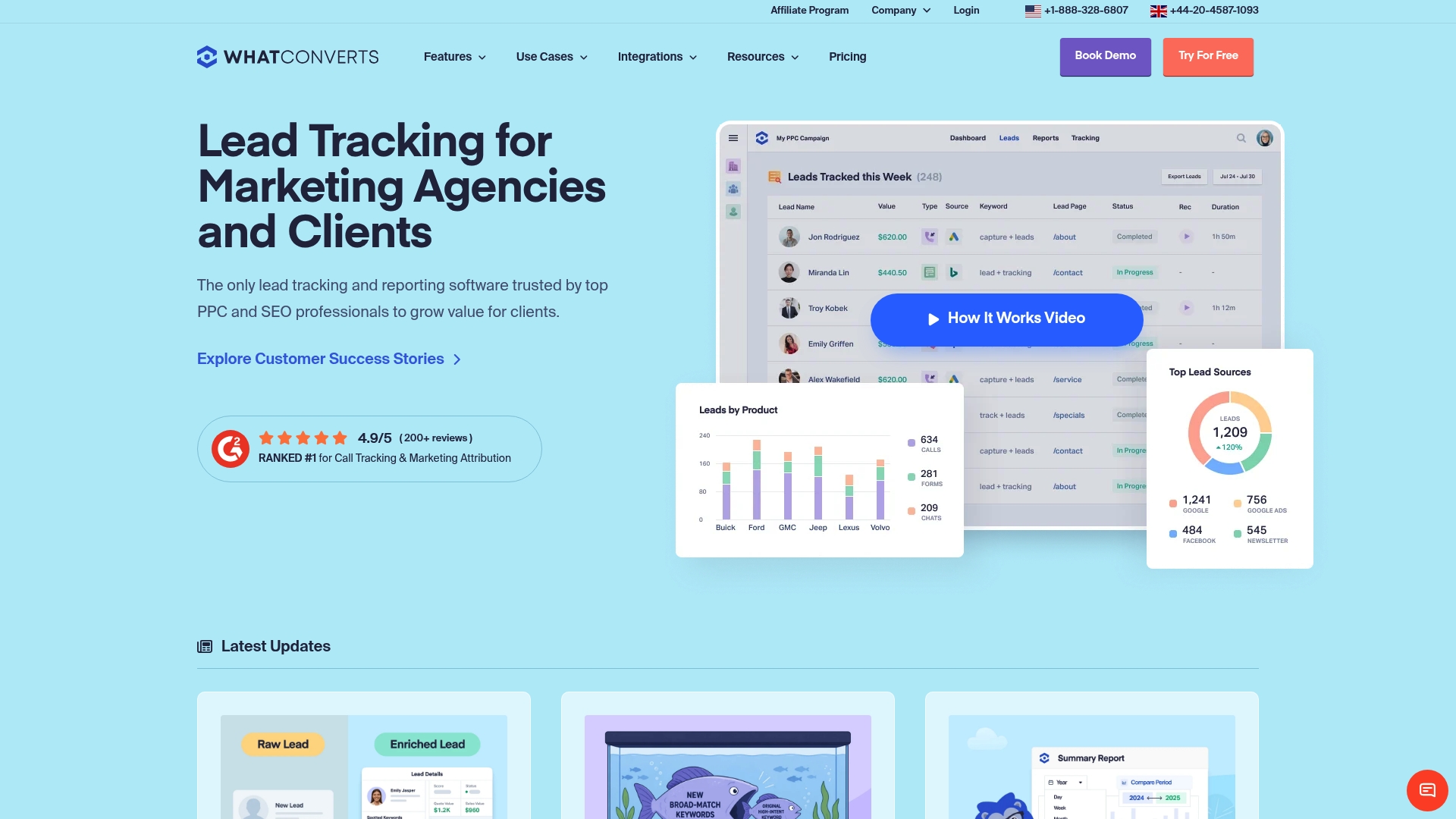
WhatConverts reports integrations with over 1,000 tools. It captures calls, forms, chats, and eCommerce transactions and links each lead to the originating campaign. That combination gives marketers a single place to measure lead sources and compare channel performance.
Core Features
WhatConverts bundles call tracking and recordings, form tracking, chat tracking tied to campaigns, and eCommerce transaction tracking into one interface. The platform also includes lead management with search, qualification, value tagging, and export capabilities, and it supplies analytics and real-time reporting to show campaign-level ROI. Recordings and detailed event data help teams verify lead quality quickly.
Key Differentiator
WhatConverts stands out for its large integration catalog and attribution reporting that maps leads back to paid and organic channels. That integration claim makes it straightforward to push tracked leads into Google Ads, Pipedrive, and reporting dashboards. Agencies gain clearer campaign-level ROI visibility for multiple clients.
Pros
WhatConverts reports a 4.9/5 G2 rating from 200+ reviews, which suggests strong satisfaction among reviewers. Its integration breadth and campaign-linked tracking let agencies and marketers centralize lead data across ads, CRMs, and scheduling tools. Flexible plan options, including unlimited account choices for agencies, and a setup process that users describe as straightforward help teams get running quickly.
Cons
- Limited public detail on advanced reporting customization. That may force power users to request custom work.
- No explicit mention of a mobile app or offline capabilities. Field teams who need native mobile access may face friction.
- Pricing details require visiting the plans page for exact costs, which makes quick budget comparisons harder.
When It May Not Fit
If you need a built-in email marketing tool or a full CRM, WhatConverts focuses on lead tracking and relies on integrations for those functions. Very small businesses with tight monthly budgets may find the higher-tier plans disproportionate to their needs. Teams that demand native mobile capture or offline logging should evaluate the platform carefully.
Notable Integrations
- Advertising platforms: Google Ads, Facebook Ads, Bing Ads.
- CRMs and scheduling: Pipedrive, Calendly, AgencyAnalytics, Intercom, Formsite, Formstack, Landingi, SimpleTexting, VWO.
Who It's For
Marketing agencies, PPC and SEO professionals, and business owners who need campaign-level attribution and detailed lead reporting will benefit most. The product suits teams managing multiple client accounts or those who must justify ad spend with call and form evidence. Buyers who prefer an integrated approach over building custom tracking in-house will find this useful.
Real World Use Case
A digital marketing agency connects client Google Ads and social campaigns to WhatConverts to capture calls and form leads. The team qualifies leads, tags their value, and exports reports that show which channels produce revenue. Those reports support budget shifts and client conversations about ad spend effectiveness.
Pricing
Pricing is tiered with plans that start at $30/month and range up to $1,250/month, and unlimited account options are available for agencies. Visit the plans and pricing page for exact feature allocations per tier.
Website: https://whatconverts.com
CallTrackingMetrics
At a Glance
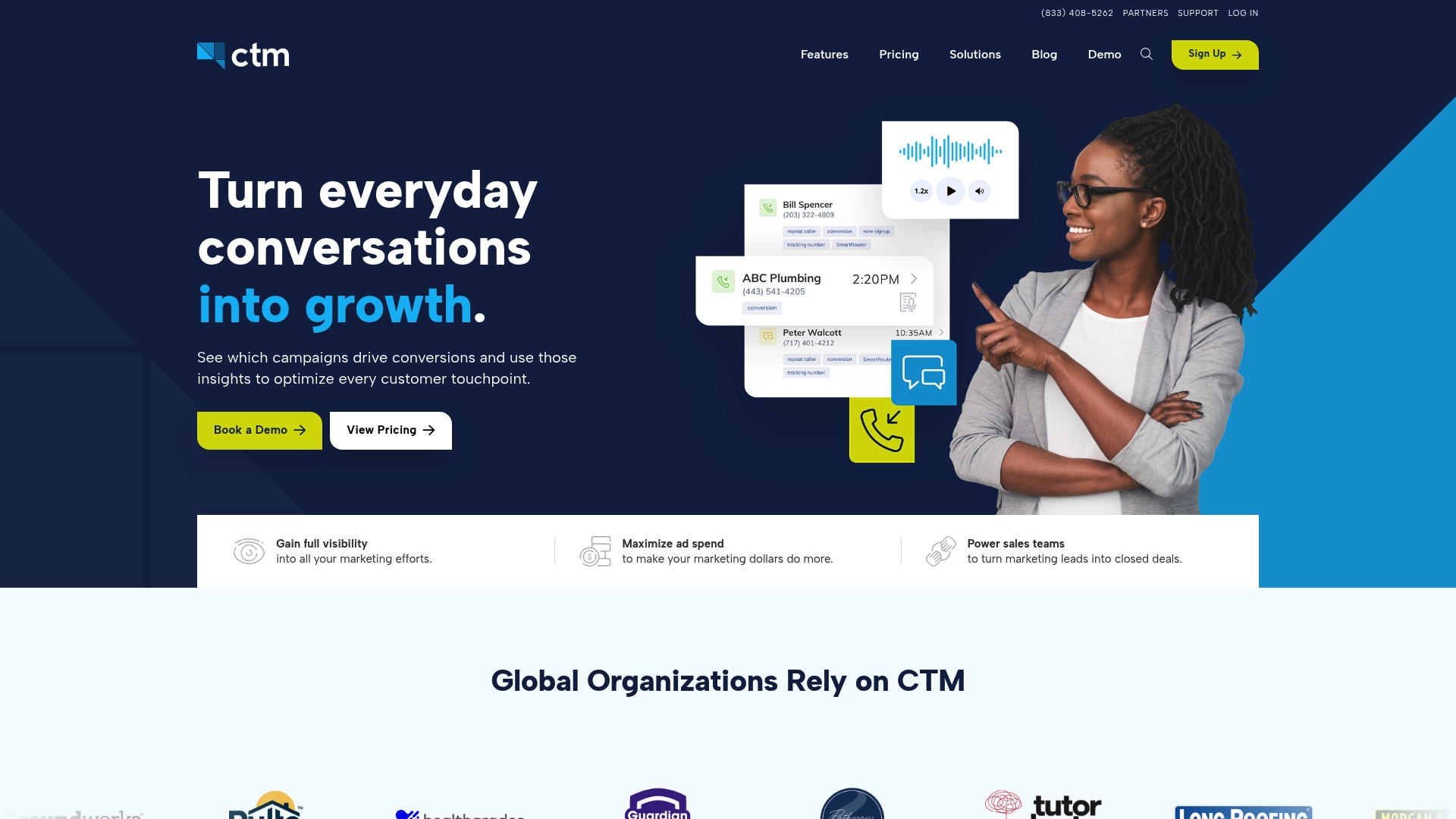
White label options let agencies rebrand the dashboard and resell call tracking under their own name. The platform bundles text messaging, a web based softphone, and form tracking alongside voice. That mix makes it easy to capture and attribute leads from multiple channels.
Core Features
Call attribution uses Dynamic Number Insertion to tie calls back to specific campaigns and touch points, while form tracking captures noncall leads. The product records and transcribes conversations and offers AI Surface Insights that flag high value discussions and suggest follow up actions. Teams can route calls with rules based flows and manage SMS, chat, and social messages from the same interface.
Key Differentiator
CallTrackingMetrics centers its offering on AI powered conversation analysis paired with multi channel call tracking. The AI features aim to surface intent and hand off leads to automated triggers. That focus targets marketing, sales, and customer service teams that need conversation data tied directly to campaign attribution.
Pros
The platform exposes conversational signals that help you see which campaigns produce quality leads. Powerful tools such as AskAI and the transcription layer speed review of call outcomes and reduce manual tagging. Extensive no code integrations with CRMs and ad tools let you push call data into existing pipelines without custom engineering.
Cons
- Pricing details are not publicly listed which can make budget planning harder for small teams.
- Several users report a learning curve for advanced features and setup complexity.
- Some support response times and onboarding speed receive mixed feedback in user reports.
- Deep AI analysis may require time and expertise to tune for your vertical.
When It May Not Fit
If you need a plug and play solution for a two person team this will likely over deliver and complicate your workflow. The lack of transparent pricing can block procurement in smaller businesses. If you have unreliable internet at key locations the web based features and call routing may not meet your needs.
Notable Integrations
- Google Analytics
- Salesforce
- HubSpot
- Google Ads
- Google Data Studio
- Microsoft Teams
- Zendesk
- Zoho CRM
Who It's For
Agencies, enterprise marketing teams, and large sales groups that want conversation level insight tied to campaign spend will get the most from this product. Resellers who need white label options will find the offering attractive. Small single office businesses that need simple call logs may find it more than they require.
Real World Use Case
A digital agency assigns unique tracking numbers to paid search ads and captures call recordings and transcriptions for every campaign. The team uses AI surfaced signals to flag high intent calls and fires automated follow up SMS. Sales reps receive CRM tasks so no lead slips through after the first contact.
Pricing
Pricing is not published on the product sheet. Interested buyers must view pricing details on the vendor site or contact sales for tiered plans and white label options. Expect quoted plans to reflect agency or enterprise feature sets.
Website: https://ctm.com
TrackDrive
At a Glance
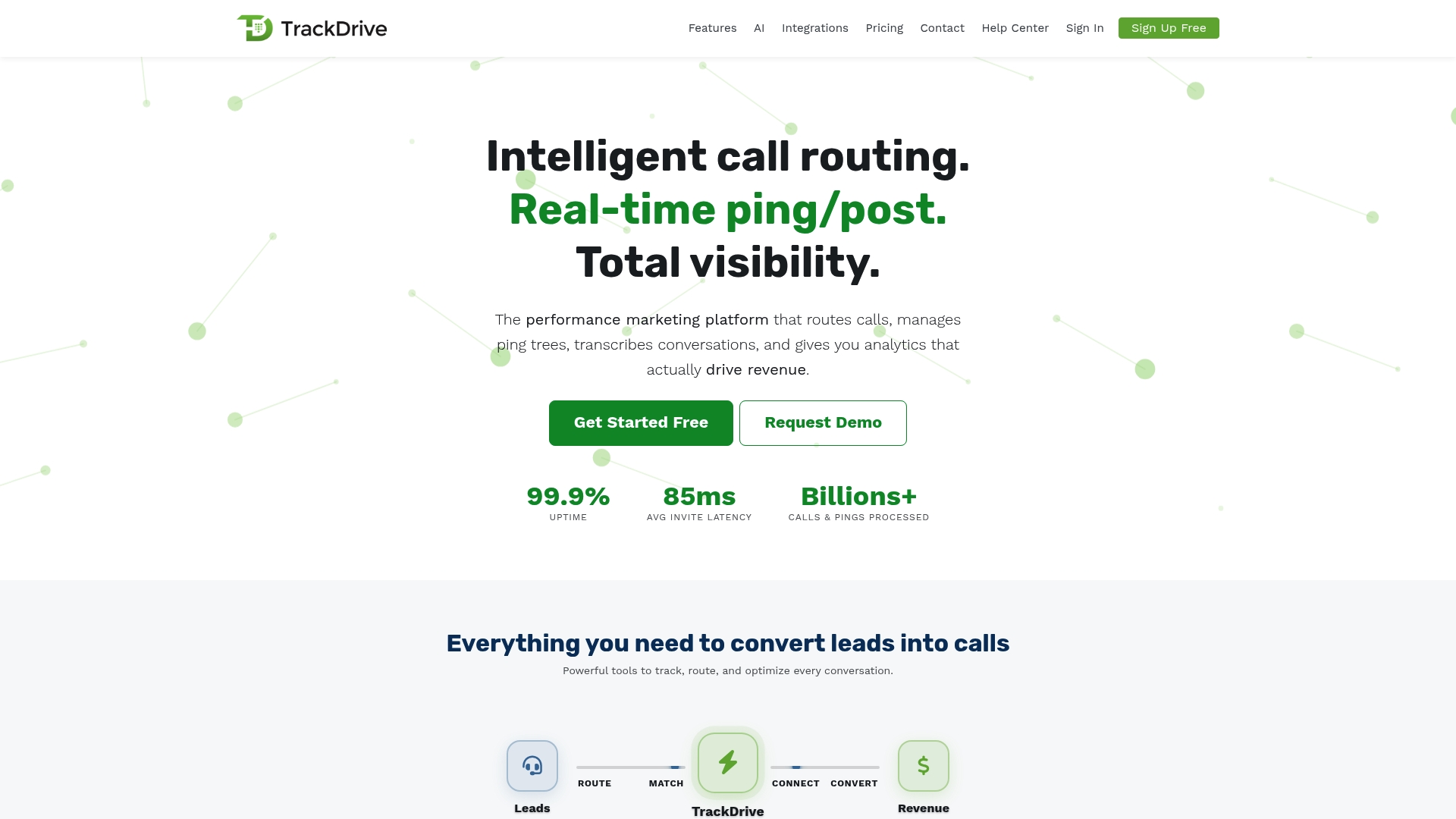
TrackDrive reports 99.9% uptime, 85ms latency, and billions of calls processed. That performance profile supports real-time decisioning for inbound calls. The product targets performance marketers and agencies that monetize call volume and need tight attribution.
Core Features
The platform pairs ping/post real-time bidding with full call management, including routing, recordings, and disposition tracking. AI voice agents handle answering and pre-qualification while transcriptions feed analytics and CRM enrichment. Phone number controls add branded caller ID, SIP support, spam mitigation, PII redaction, consent controls, and a REST API for custom automation.
Key Differentiator
TrackDrive focuses on live bid-driven routing so buyers compete for individual inbound calls. That model lets agencies extract higher value from scarce leads by matching each call to the best buyer in real time. The combination of bidding and always-on AI qualification makes it primarily a platform for performance-driven call monetization.
Pros
TrackDrive provides a wide set of call tracking and optimization tools that map to performance marketing workflows. Its ping/post marketplace gives agencies a direct way to monetize inbound calls and route high-value leads to the right buyer. AI voice agents reduce live-agent load and keep qualification consistent. Extensive CRM and telephony integrations cut the work needed to push call data into existing stacks, and those performance figures back the product’s ability to run under heavy call volumes.
Cons
- Usage-based pricing with volume discounts makes monthly costs harder to predict for teams without steady call forecasts.
- Buyer-matching criteria and routing rules require technical configuration and testing before scaling to many buyers.
- Public information about onboarding and implementation is limited, so some teams must rely on vendor support for setup.
When It May Not Fit
If your budget model requires fixed monthly billing, the per-call pricing may not match your procurement preferences. Small businesses without developer resources may struggle with integrations and buyer-matching configuration. Organizations that need documented, self-service onboarding guides should plan for additional vendor involvement.
Notable Integrations
- Zoho CRM, Salesforce, Twilio, Google Ads, Zapier, AWS S3, Typeform, Voluum
Who It's For
Performance marketers and lead generation agencies that buy and sell inbound call traffic will see the most benefit. Call center managers who want AI-driven pre-qualification can lower live-agent time per call. Advertisers seeking fixed monthly predictability or minimal technical setup may prefer a different pricing model.
Real World Use Case
An agency routes multichannel inbound calls into TrackDrive’s bid marketplace. High-value buyers win specific calls and AI voice agents pre-qualify leads before handing them to sales. The agency gains clearer attribution and reduces wasted live-agent hours.
Pricing
Pricing uses a usage-based model with volume discounts and no onboarding fees. That structure favors teams that can forecast call volume and want per-call billing instead of fixed monthly seats.
Website: https://trackdrive.com
Phonexa
At a Glance
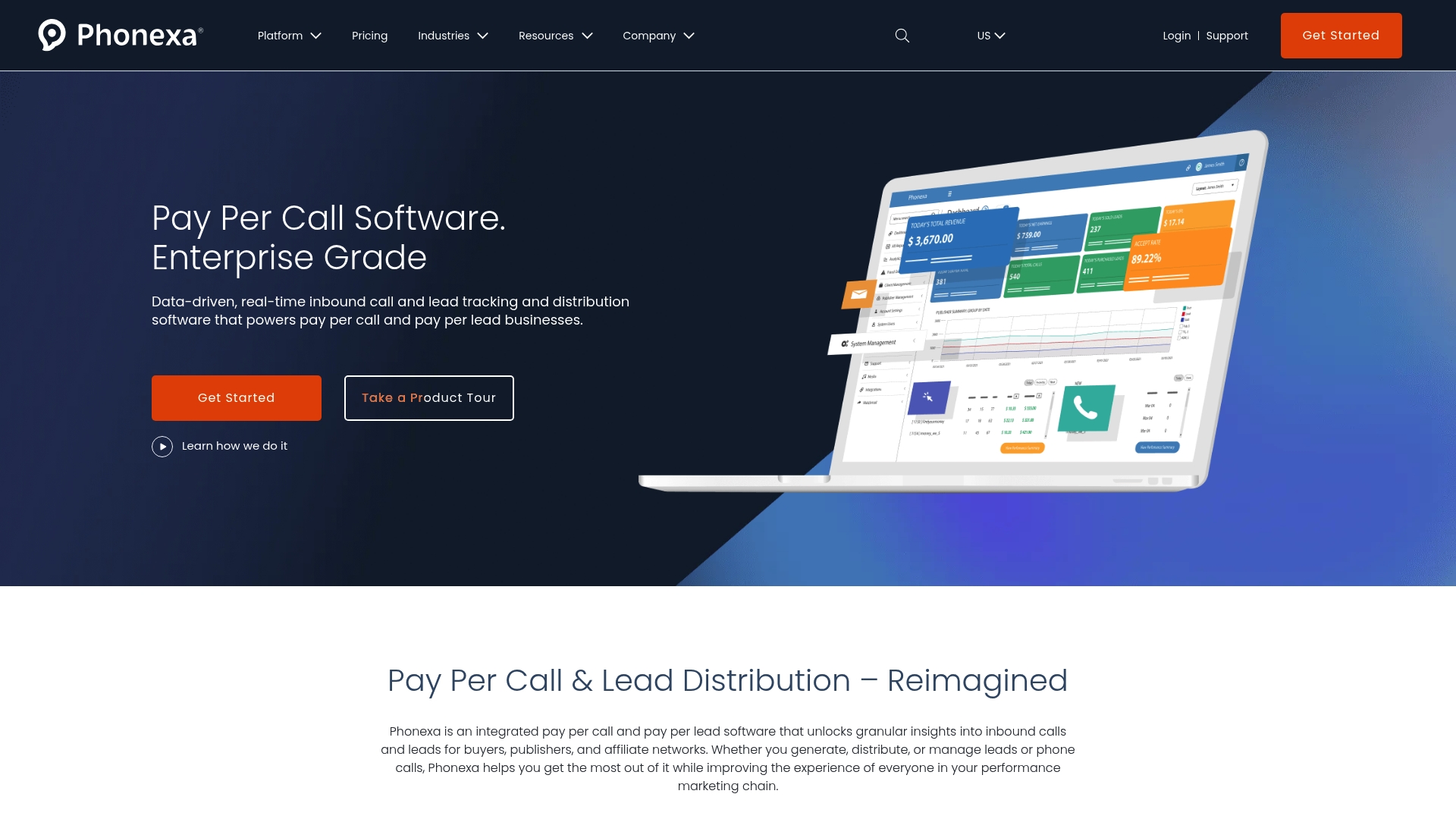
Phonexa includes a cloud PBX and a click tracking feature called Lynx that ties website behavior to contacts for contact-level attribution. The platform targets high-volume pay per call and lead operations in insurance, finance, and home services. It pairs routing and fraud controls with marketing channels to keep lead delivery auditable and measurable.
Core Features
Phonexa combines lead tracking and distribution with real-time call routing, so teams can assign inbound contacts by rules, geography, or performance. The system also bundles email and SMS marketing, automated accounting, and a cloud phone system to handle voice at scale. Click tracking, fraud prevention, and analytics connect web behavior to call and lead records for multi touch reporting.
Key Differentiator
Phonexa stands out by merging real-time call and web attribution with built-in fraud mitigation and automated lead accounting. That mix is aimed at large operations that need both distribution controls and channel level visibility. The platform emphasizes white labeling and managed services for agencies and networks.
Pros
Phonexa offers a unified set of capabilities that reduce the number of separate tools you must maintain. The platform packages routing, voice, message campaigns, and click level attribution so data flows into a single reporting view. Strong account management and managed services mean teams without in house engineers can still run complex pay per call programs.
Cons
- Setup complexity: Third party reviews report a steep learning curve because the feature set is large and configurable. This can slow initial rollout and testing.
- Resource requirements: The platform may demand a dedicated operations or dev team to tune routing rules and reporting for optimal ROI. This increases internal overhead for smaller teams.
- Pricing opacity: Public pricing is not listed and the vendor appears to require custom enterprise quotes. That lack of transparency can be a barrier for smaller buyers.
When It May Not Fit
Organizations that run low volume campaigns or want clear list pricing will likely find Phonexa misaligned with their needs. Small teams without dedicated ops support may struggle to extract value quickly. Brands that need plug and play simplicity for a single channel will probably prefer a lighter tool.
Notable Integrations
Phonexa integrates with major CRM and marketing platforms, including Salesforce and HubSpot. It also connects to email delivery platforms like Mailgun and SendGrid, VoIP and messaging partners such as Ytel, and analytics systems like Google Analytics and Google Ads.
Who It's For
Mid to large sized performance marketing agencies, affiliate networks, and enterprise brands running high volume lead or call programs will get the most from Phonexa. Teams that require white labeling or managed services for multiple clients will also benefit. If your operation routes thousands of calls and needs fraud controls, this product fits the use case.
Real World Use Case
A performance marketing agency uses Phonexa to accept inbound calls from multiple publishers, apply rules to route leads to clients, and reject suspected duplicates. The agency ties click paths to the resulting calls using Lynx to optimize publisher payouts. Automated accounting reduces manual reconciliation across campaigns.
Pricing
Phonexa does not publish standard tiers or list prices. The vendor appears to offer custom enterprise quotes that reflect volume, required integrations, and managed services. Prospective buyers should request a quote and scope the implementation costs before committing.
Website: https://phonexa.com
Comparison of alternatives
Leapify Media distinguishes itself in the competitive field of call tracking and lead generation solutions by offering a unique focus on on-premises implementations coupled with custom AI functionality. This analysis will clarify specific advantages and tradeoffs associated with each platform to ensure informed decision-making.
The integration of customization and control
Leapify's dedicated hardware and tailored AI solutions ensure data can be optimized for sensitive use cases, establishing a direct connection between resource investments and immediate business gains. On the other hand, platforms like Phonexa provide high-volume lead management but depend on external servers, increasing potential compromise risks and cost dependencies for large enterprises requiring distributed infrastructure.
Supporting team growth and campaign success
CallSource introduces a ecosystem for agent coaching through performance recording, evaluation, and direct feedback, allowing structured improvement cycles. This can be crucial where workforce training plays a significant part in achieving business outcomes. In contrast, Leapify aligns efforts purely on backend efficiencies, thus narrowly focusing investments.
Best fit
- Companies in the home service industry requiring secure, on-premises AI to control sensitive operations should choose Leapify Media.
- Marketing teams aiming to enhance employee performance through structured coaching may prefer CallSource.
- Agencies managing extensive client portfolios with multi-channel reporting needs find WhatConverts beneficial due to its wide integration network.
- Organizations monetizing inbound calls will value TrackDrive’s real-time bidding system.
- Enterprises demanding fraud prevention and operational scalability should evaluate Phonexa’s offering.
Our pick
Leapify Media is the recommended choice for home service providers ready to channel resources into a tech-forward approach that prioritizes their proprietary needs. By focusing on tailored AI and infrastructure, this platform better addresses this industry's distinct challenges and opportunities.
Leapifymedia provides a unique blend of on-premise AI infrastructure and tailored home service solutions, setting a new standard for lead routing and data privacy.
| Product | Key Differentiator | Best For | Pricing | Notable Limitation |
|---|---|---|---|---|
| Leapifymedia | On-premise AI hardware for secure operations | Home service sectors | $2,500–$15,000/month | Limited to home service industries |
| CallSource | Integrated coaching and call ROI tracking | Small to medium businesses | Price not published | Feature set complexity |
| WhatConverts | 1,000+ integrations for lead tracking | Marketing agencies | $30–$1,250/month | Limited reporting customization |
| CallTrackingMetrics | AI-driven insights with multi-channel coverage | Large sales groups | Price not published | Learning curve for advanced features |
| TrackDrive | Live bid-driven inbound call routing | Performance marketers | Usage-based model | Requires technical setup for configurations |
| Phonexa | Unified tracking with fraud prevention | High-volume operations | Price not published | Learning curve and resource requirements |
How to Solve Wasted Ad Spend With The Best Call Tracking Software Alternatives
Choosing the best call tracking software means more than counting leads. Home service teams need systems that turn marketing costs into booked jobs without risking data privacy. Leapifymedia addresses this by running AI-powered lead routing and intent scoring from on-premise servers managed by in-house engineers. This approach helps home service operators cut wasted advertising spend while improving lead quality and conversion rates.

If you manage a mid to large sized home service business and want secure, customizable control over your marketing and operations, visit Leapifymedia. See how dedicated AI and tailored infrastructure link your marketing investment directly to revenue—not just raw lead counts.
FAQ
How does Leapifymedia improve lead routing for home service companies?
Leapifymedia enhances lead routing through custom-built AI agents designed specifically for home service workflows. The platform installs on-premise hardware that supports dedicated lead routing and intent scoring, ensuring that high-quality leads are handled efficiently. This means home service businesses can expect quicker responses and improved lead quality.
What is the difference between CallSource and Leapifymedia?
CallSource excels in combining call tracking with human coaching, enabling managers to convert analytics into practical training for their teams. Leapifymedia, on the other hand, operates with custom-built AI agents and on-premise hardware, making it a better fit for home service operators needing tighter control over lead data and routing.
Which platform offers a more scalable solution for home service agencies?
Leapifymedia provides scalable solutions with service tiers ranging from foundational setups to enterprise solutions. This flexibility allows home service agencies to choose a package that suits their current growth stage while keeping control over their data and operations.
Can smaller home service teams benefit from Leapifymedia's offerings?
Smaller teams might find Leapifymedia's pricing and setup requirements challenging, as it is typically designed for mid to large-sized home service operators. However, it presents a strong option for teams willing to invest in a secure and customizable marketing stack to manage their lead routing more effectively.
How does Leapifymedia ensure data privacy for its clients?
Leapifymedia ensures data privacy by running its AI infrastructure on-premise with dedicated engineers, which keeps client data secure and under direct control. This is especially beneficial for home service companies concerned about data exposure with third-party cloud services.